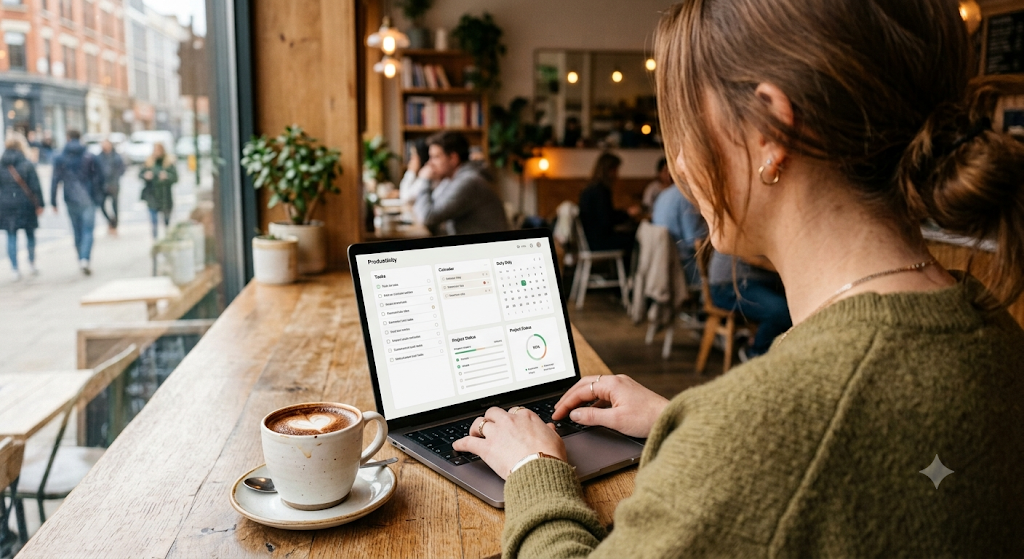
Hey everyone. I was looking at my screen time and trying to organize my messy workflow this morning, and it hit me how much time we waste on repetitive tasks.
We always hear that AI is going to take over the world, but honestly, in 2026, I just want it to clear out my inbox.
I wanted to quickly share three everyday AI productivity tools that are genuinely saving me hours every single week. No complicated coding stuff today, just practical tools you can start using right now.
1. AI Meeting Note-Takers
Remember when we had to frantically type down everything the boss said during a Zoom call, only to realize we missed the most important part?
Yeah, I don't miss those days at all.
It listens so you don't have to
Tools integrated into our workspaces now quietly sit in the background of virtual meetings. They don't just transcribe what is being said; they actually understand the context.
By the time I click "Leave Meeting," I instantly get a perfectly formatted summary, a list of who needs to do what, and all the key deadlines in my inbox. It frees you up to actually participate in the conversation instead of just being a human typewriter.
2. Smart Email Assistants That Actually Sound Like You
We all know the dread of returning from a short vacation to an inbox with 300 unread emails. It used to take half a day just to sort through the noise.
Clearing the inbox in minutes
The new wave of smart email assistants doesn't just give you those robotic, one-word automated replies. They analyze how you usually type and offer complete, context-aware draft responses.
Yesterday, my email app basically said, "Hey, this client is asking for the Q3 report. Want me to attach it and draft a polite reply?" I just hit approve.
It’s like having an incredibly efficient virtual secretary who knows exactly how you communicate.
3. Automated Workspace Organizers
If your computer desktop looks like a digital junk drawer with files scattered everywhere, you are definitely not alone. But manually organizing files is arguably the most boring task on earth.
Let the AI clean your digital room
Now, background AI organizers categorize your downloads, name your messy screenshots, and sort your documents into the correct client folders automatically. When I need a specific invoice from three months ago, I don't even search for the file name anymore. I just ask my computer, "Where is that PDF from Sarah about the marketing budget?" and it pulls it up instantly. It quietly keeps my digital life completely stress-free.
So yeah, these are the little tech updates making a massive difference for me lately. It's so easy to get distracted by flashy new gadgets, but at the end of the day, the best tech simply gives us our time back.
What are your favorite productivity hacks right now? Let me know in the comments.
Catch you guys in the next post!
'AI & Tech Tips' 카테고리의 다른 글
| Miro Virtual Whiteboard How to Use: Collaborate Visually (0) | 2026.07.20 |
|---|---|
| Asana Project Management How to Use: Track Work Effectively (0) | 2026.07.20 |
| Notion AI How to Use: Revolutionize Your Workspace (0) | 2026.07.19 |
| Trello Kanban Board How to Use: Manage Tasks Visually (0) | 2026.07.19 |
| Microsoft Power Automate How to Use: Streamline Your Workflows (0) | 2026.07.17 |


